


The destination will not open
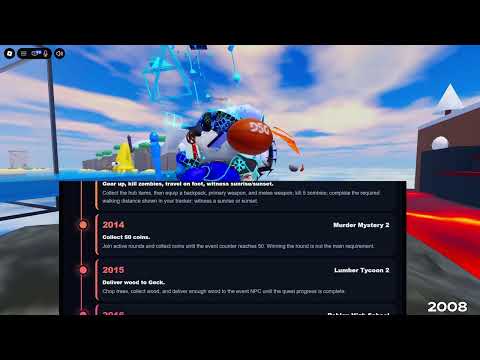
Roblox displays an access message before the featured task loads.
What this may meanDestination access may be the issue. PC and mobile are supported, but participating-game availability can vary by region. Keep the message before assuming missing progression.
- Check 1
- Record the exact message, destination, device, and time. Confirm that you are trying the year currently offered by the hub.
- Check 2
- Use the Roblox message to choose the next access check. Do not mark the year complete merely because the portal was selected.