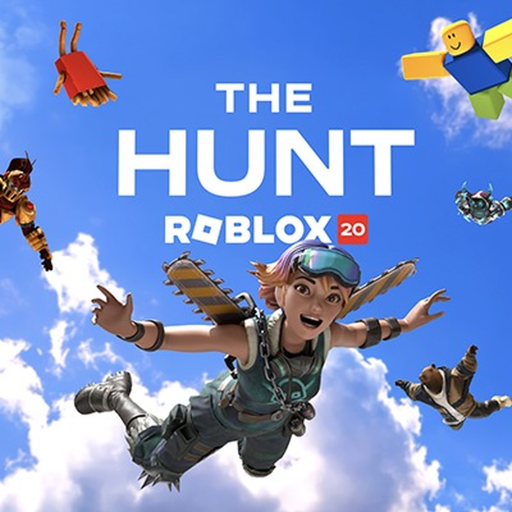
The Hunt Roblox 20 Year Zero Guide
Identify the event’s introductory area, distinguish it from the first historical year, and use the live hub instruction to reach the 2006 quest.
Year Zero in The Hunt: Roblox 20 represents Roblox's founding before the chronological historical-game route. Start in the official anniversary hub and follow its introduction toward the first historical year, 2006.
The event walkthrough below can help you recognize the introductory environment and the transition into the historical route. Match its scene with your own instruction before copying an action from a later year.
Separate the introduction from a finished year
Year Zero is the starting area, not a shortcut around the historical quests. Opening the anniversary experience establishes where your journey begins; it does not by itself prove that the 2006 featured objective has been completed.
Read the hub's current instruction and identify the next named year or game. If you are unsure whether you have moved beyond the introduction, compare the active instruction with the available historical destination. Avoid counting an ordinary game visit as a completed anniversary stop.
Use the live instruction as your next action
Follow the interaction or destination indicated by the hub. When a prompt changes, read the new task before continuing. A recording may have progressed farther than your own session, so its next visible portal should not replace your currently available objective.
| Stage | How to interpret it |
|---|---|
| Year Zero | The founding introduction before the historical sequence. |
| 2006 | The first historical-year stop after that introduction. |
| Later historical years | Continue in chronological order after the preceding event quests. |
A useful personal note is the last instruction you completed and the next historical year shown. That is more precise than recording only that you entered Year Zero. It also helps distinguish the anniversary hub from a direct join to one of its participating games.
Move from orientation to a complete loop
Once the historical route begins, focus on the featured event task and its result. The beginner guide explains your first game-to-hub loop. The historical walkthrough explains the first-year builderman task, and the quest list supplies the historical participants.
Do not assign extra requirements, a hidden currency cost, or a guessed timer to Year Zero. Follow the event instruction you can observe, then verify the next stage before treating the introduction as complete.
Starting questions
Should I use Year Zero as the name of every historical game?
No. Keep Year Zero as the introduction and refer to each later historical stop by its own year and featured game. That makes task instructions and progression reports much clearer.